Chat with Any Webpage

Transform any website into an intelligent conversation. Ask questions, get summaries, and understand content instantly with AI.

Why Choose Pixio AI?

🤖

AI-Powered Analysis

Advanced AI reads and understands webpage content, providing intelligent answers to your questions.

âš¡

Instant Access

Press Alt+P from any webpage to instantly start chatting about the content. No manual setup required.

🔒

Privacy First

All data stored locally in your browser. Your conversations and content never leave your device.

📱

Multiple Interfaces

Choose between popup mode or floating chat widget. Both designed for seamless browsing experience.

🎯

Quote & Ask

Select any text on a webpage and ask specific questions about it. Perfect for research and analysis.

🧠

Multi-Page Context

Remembers content from multiple pages, allowing you to ask comparative questions across websites.

See Pixio AI in Action
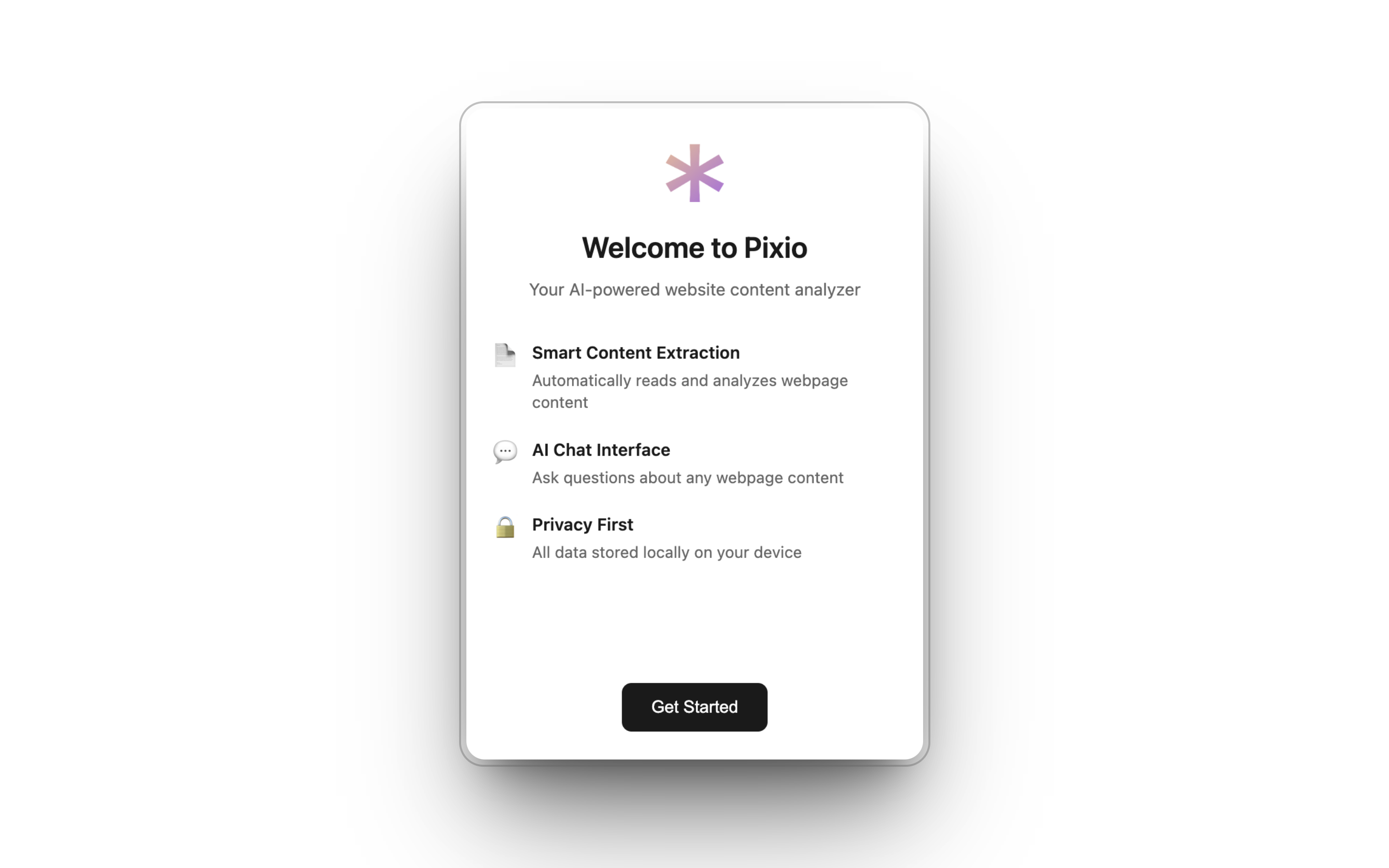
Easy Setup

Easy Setup

Simple onboarding and settings management
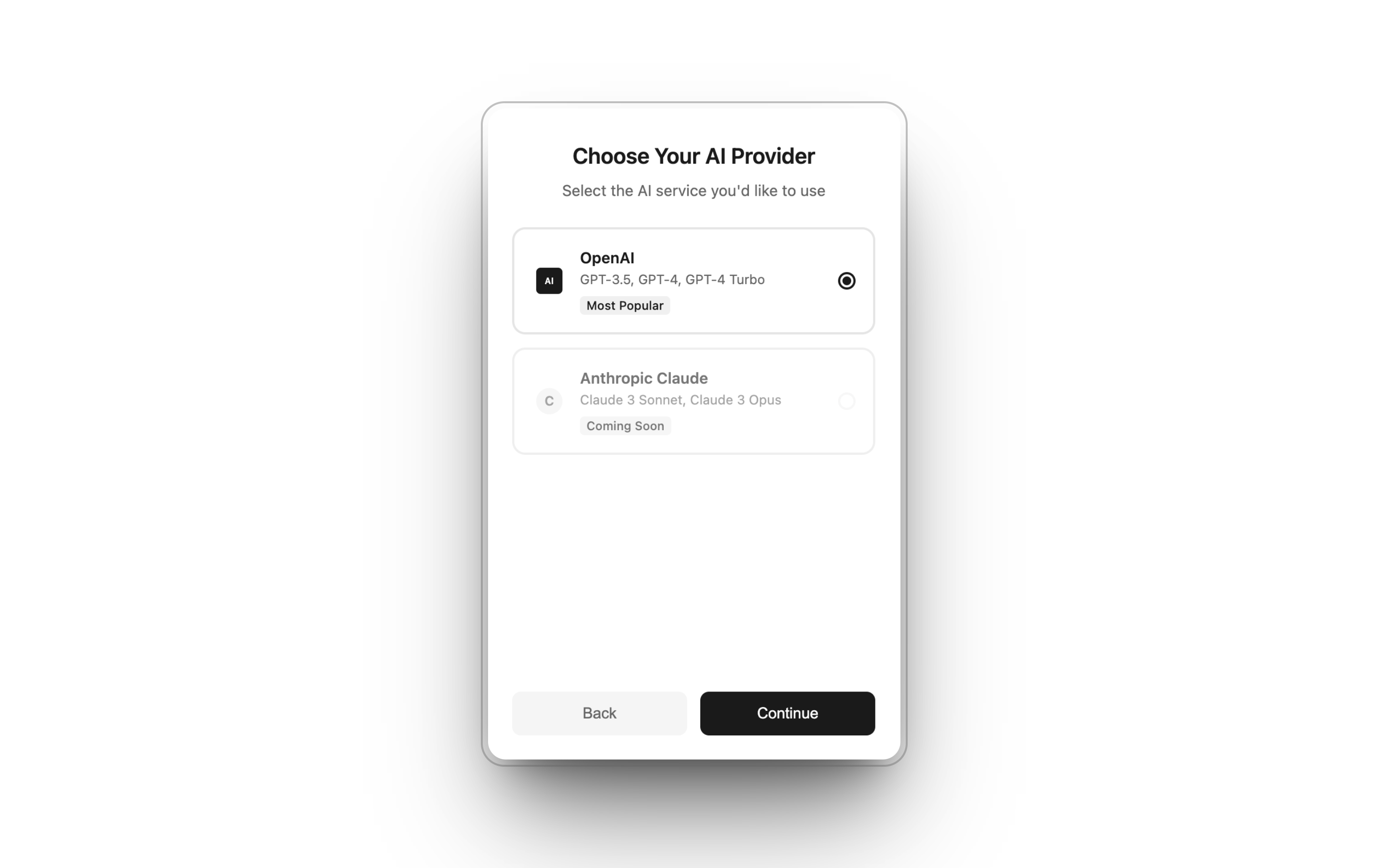
Provider Selection

Provider Selection

Choose OpenAI or Anthropic providers. Claude support coming soon!
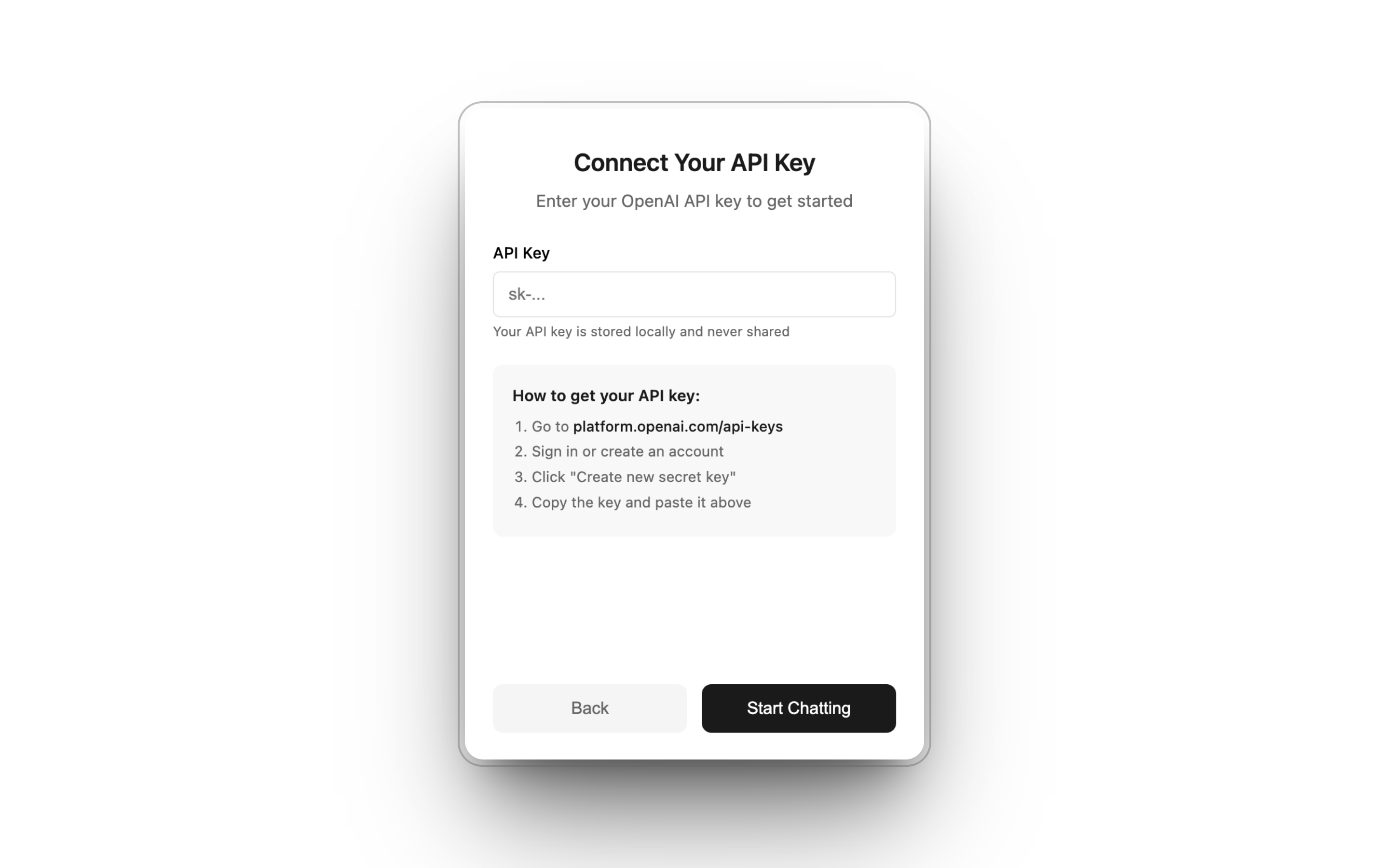
API Key Setup

API Key Setup

Enter your selected provider's API key for secure access
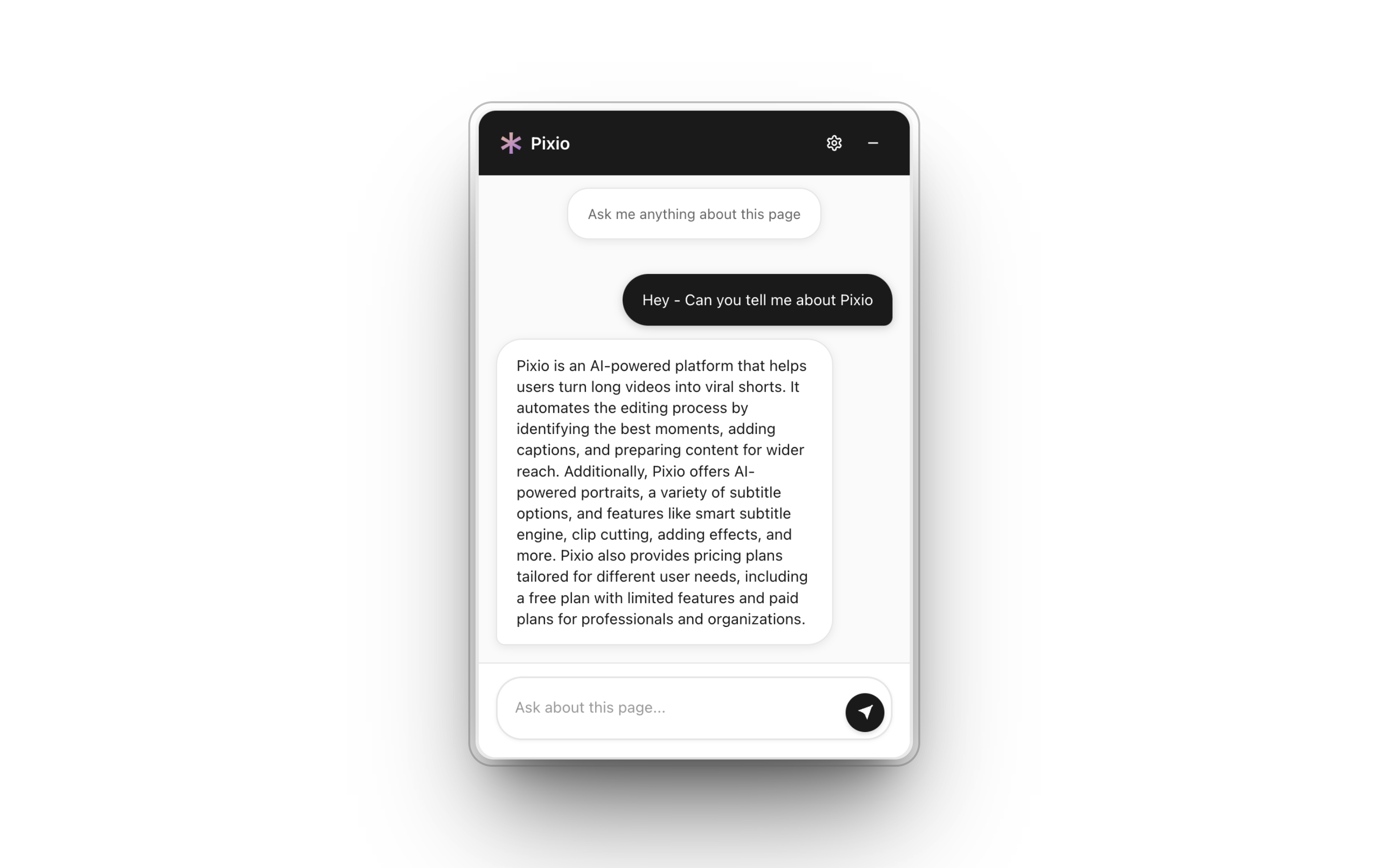
Simple Chat Interface

Simple Chat Interface

Clean and intuitive chat interface for seamless conversations

How It Works

1

Install Extension

Add Pixio AI to Chrome and complete the one-time setup with your OpenAI API key.

2

Browse Normally

Visit any webpage. Pixio AI automatically extracts and analyzes the content in the background.

3

Start Chatting

Press Alt+P for quick access, or click the Pixio icon in the bottom right corner to start chatting.

4

Ask Questions

Chat naturally with AI about the webpage content. Get summaries, explanations, and insights.